Building a Style
Also available on Patreon. Join the discussion and follow me there
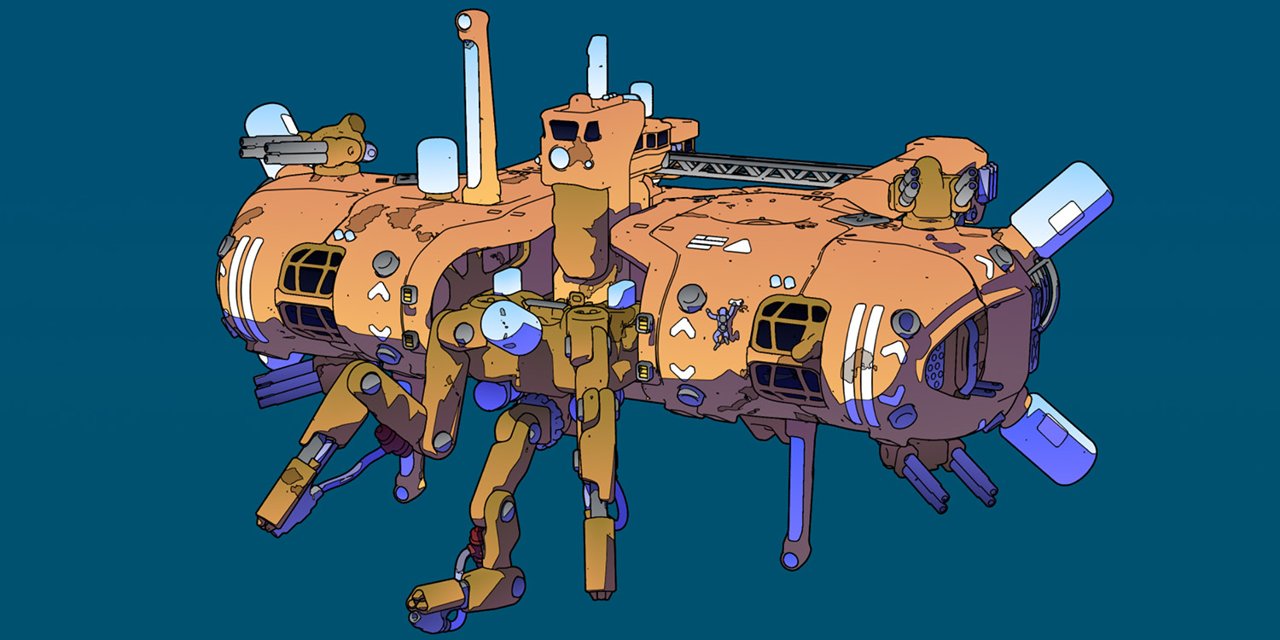
So, I've been working with 3D models for a while, and rendering has never been my priority. That doesn't mean that I don't know stuff: I've written shaders (in code, not with silly blocks), and even put up a pixel art render engine at a point. It's just that rendering my models in fancy ways has never been something I've really, REALLY been into.
Use Cases
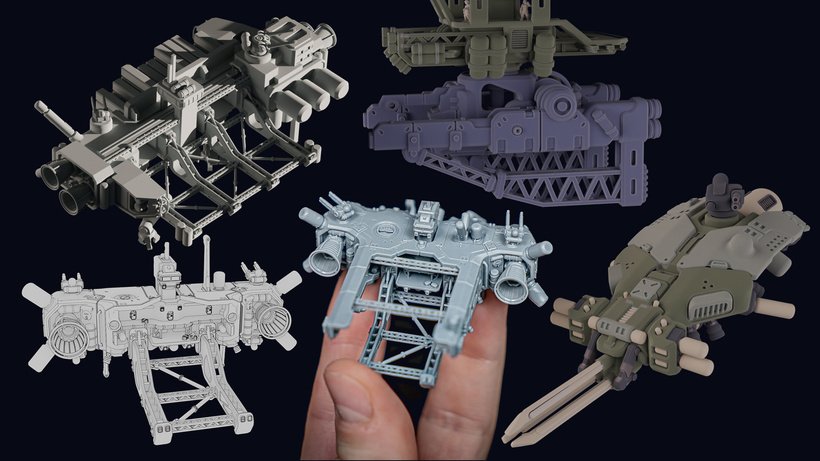
Rendering has always been a necessity for my 3D files store. I like to show my models in-hand, printed and cleaned up as a proof that "they do just fine" once in flesh... but I also want to share WIP renders, sometimes marking parts in different colors, to better portray the way different parts are meant to be looked at.
Other times, It's more about conveying a message: assembly instructions, size comparisons... there's plenty of uses for renders.
Illustrations
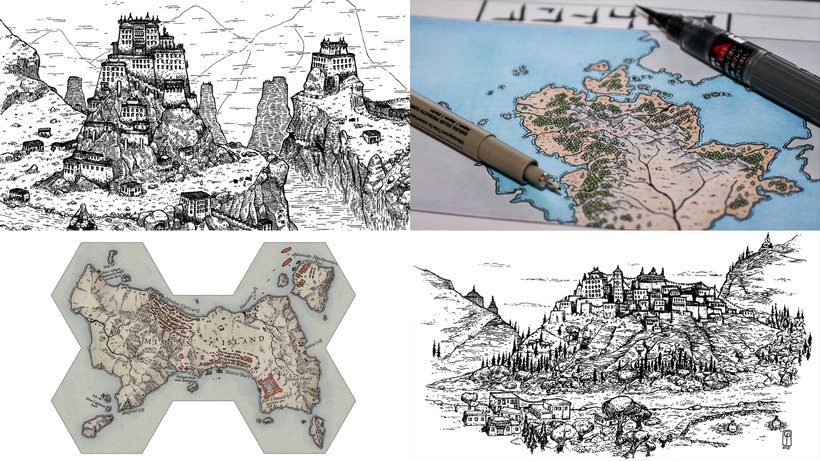
What I really never tried to do were illustrations. I don't pretend to be a serious visual artist, but I've dabbled with it by drawing stuff by hand in the past.
...and I'm a decent photographer. Not just for miniatures, but for travel photography as well.
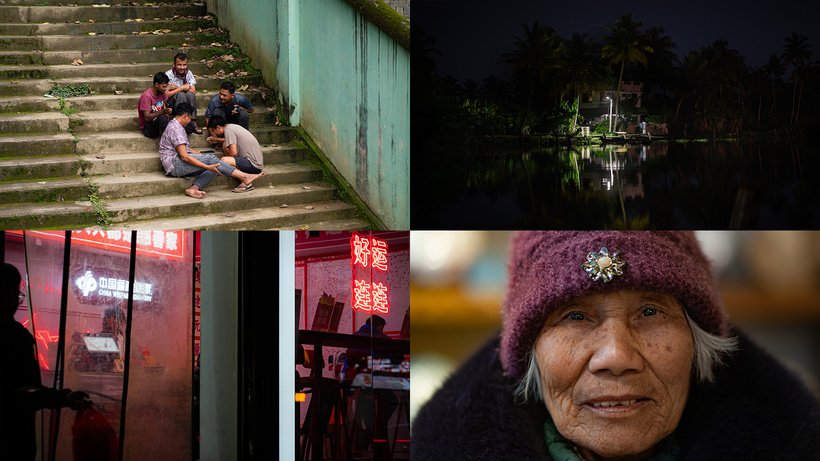
So... it was time to up my game!
Realistic Renders
I've been using Fluent Materializer for my renders for a while. For what I do, it's definitely an overkill - but it works, brings a nice subsurface effect with the right amount of procedural textures.
Of course, as a plugin it has a lot more potential, and I did try to use it in the past, for the Bastion cards, the never-released battlemats (it's killing me a bit, FYI!) and some other projects.
I've shared some experiences here. The "2005 videogame loading screen effect" was good, but hardly something I would invest countless hours on to create a whole range of illustrations in the style.
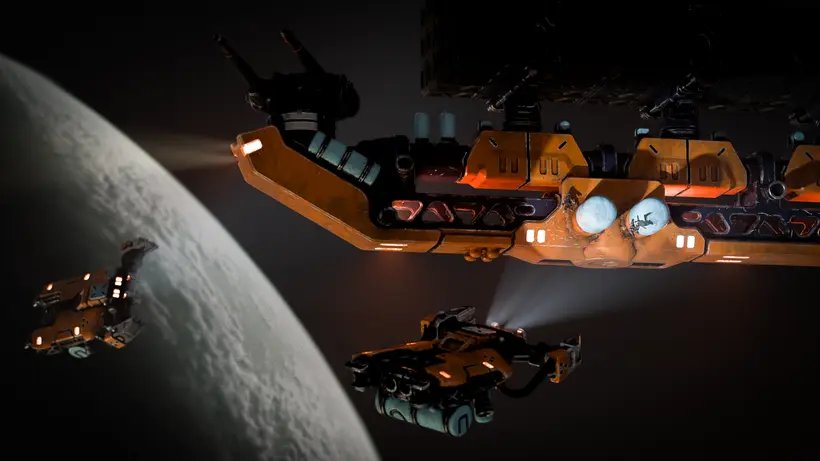
And the amount of work for this to get somewhere was ...immense. Materials, lights, volumentric, fixes to make the volumetric work as expected... and at the end it still was in dire need for photoshop touch ups.
Even a second version of the image - better composition and all - didn't go much further.
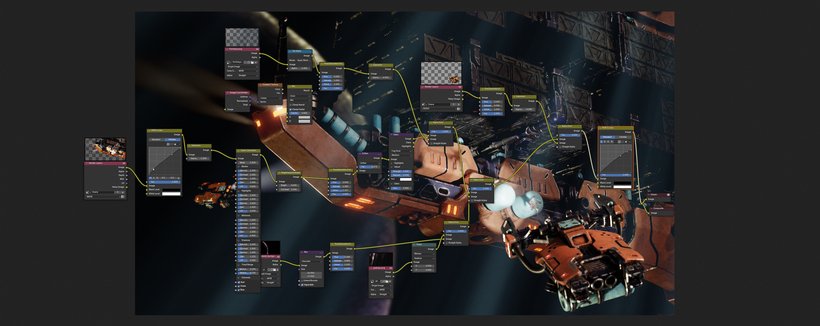
The final piece? Pretty cool. But it didn't click.
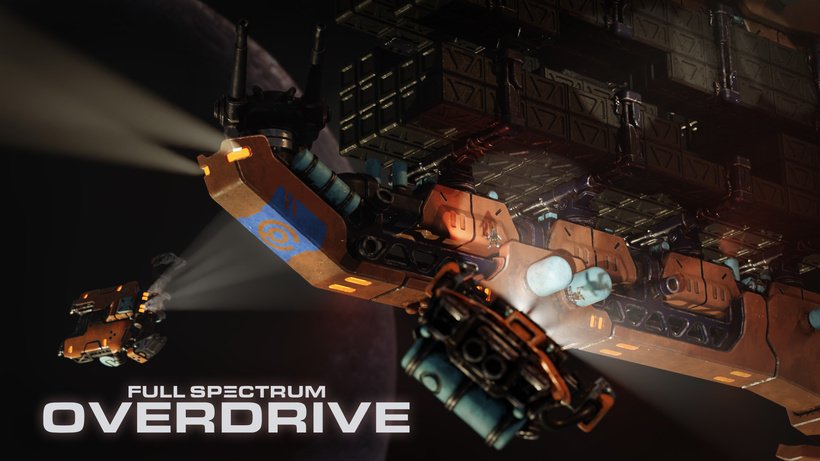
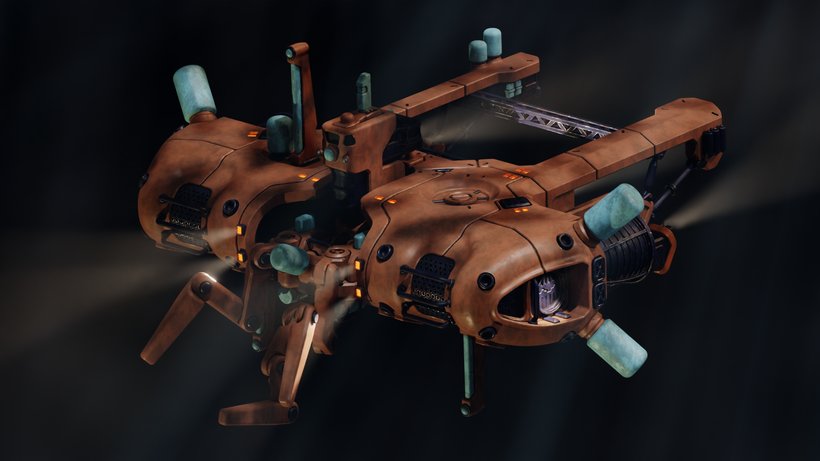
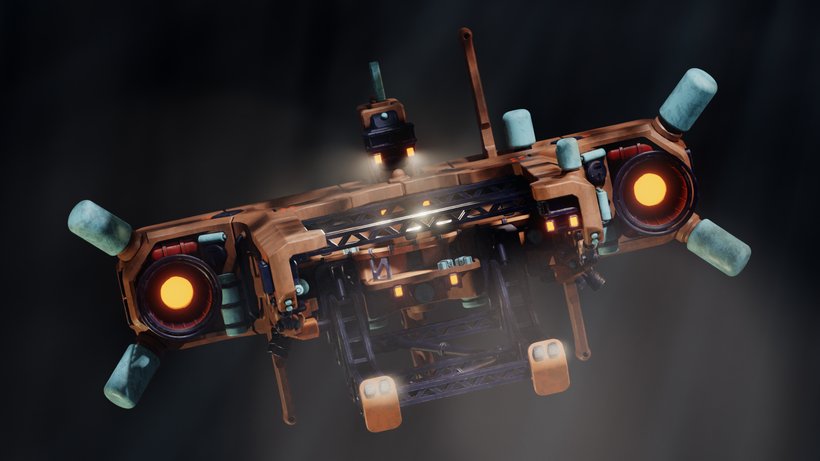
Even trying with the recently finished Salvager model, the results were a bit underwhelming.
Ligne Claire
From the sketches above, it's pretty clear that within my limitations I tend to be a black-line person. Colors are cool, but I am always scared of blending them, doing paintovers and such.
The Moebius style of Ligne Clairs, moreover, is a staple for the scifi imaginary, to the point that it nearly single-handedly defined entire subgenres of it.
Modern artists, such as Calder Moore, Marcel Deneuve, and Darius BakaArts, have embraced the style and brought it into a digital domain, mostly playing around with shaders and effects in various programs (Arnold seems to be a popular one) and applying their art taste and style to that.
Now, Blender does everything. So, I figured, I could find a decent workflow to make it work for me.
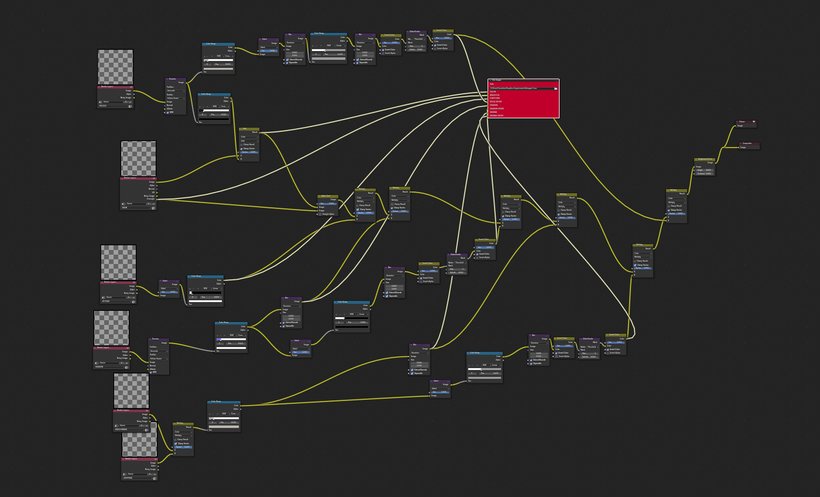
Here's my takeaways
Visual Coding Sucks
I might be biased, but using blocks to code is nice when you have to combine two layers or so. As soon as things get more complicated, it becomes a huge tangle, and the advantages of text-based coding are so so evident.
"why don't you just write code, then" -> I wish Blended didn't have the immensely bloated boilerplate around scripts. I wish there was a simple way to just write the necessary lines, with everything else accounted for.
The Compositor is Powerful
Nothing new here - but I'm appreciating spending less time in the shader editors (just get the basic stuff done) and more combining stuff afterwards. Rather than adding chipping to the color material, I'd rather create a second material, apply it to the scene, and then combine it - with total control on what goes where
Outlines are Hard
The "Freestyle" tool of blender is pretty powerful but extremely constrained. It run who-knows-what algorithms, and finds whatever it thinks are the right outlines. Sure, there's parameters to fiddle with, but not much can be done.
Using Sobel filters (they're fairly simple convolutions) I got futher lines to combine, mask, resize, but the general control of what makes an outline is not great. And it's all pixel-based, outside of the Freestyle ones.
The Results
Things didn't work perfectly at the first try, as expected.
Materials are easy. A gentle gradient on objects (using Z as a control) does a lot.
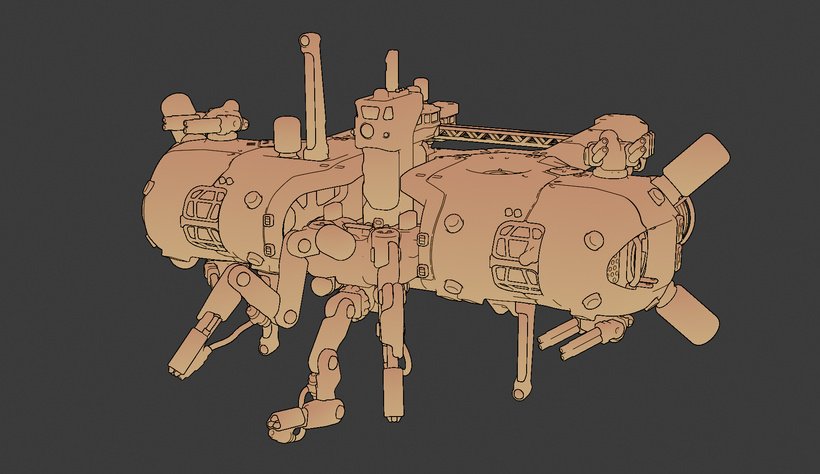
As said above, finding the right control over the lines, deciding what goes where - not so easy. Adding shadows, combining them in the compositor and drawing contours - also tricky.
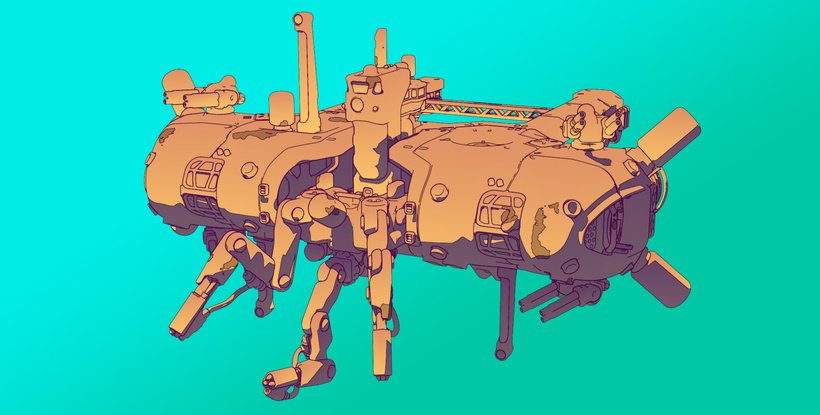
After a LOT of trying - I think I got my balance. The neat thing is that I get to combine hand-drawn little elements in a way that integrates seamlessly... and that's something that has a big value when the visuals of a whole game still need to be shaped out!
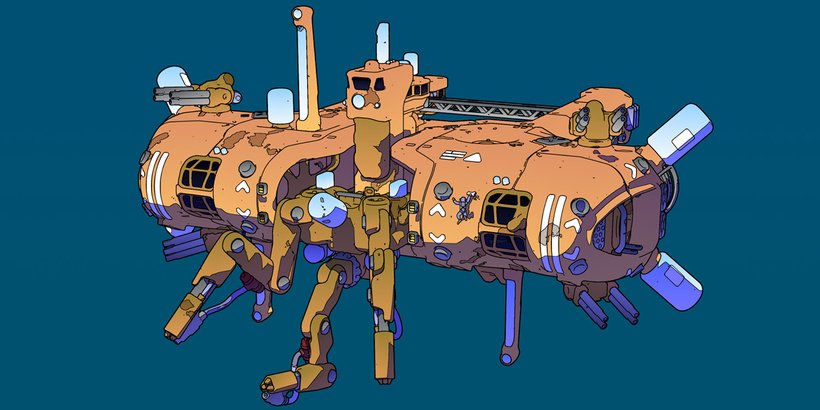
That's all for today. Quite a ride.
Jack